SimpanKira Network Key
Overview
SimpanKira Network Key allows you to automatically send your sales invoice to another party that is using SimpanKira Cloud Accounting Software too. Once your sales invoice is approved, it will automatically appear in the Purchase Invoice in Draft mode.
This will save time and reduce the data entry work for users.
Where Can I Find this Network Key?
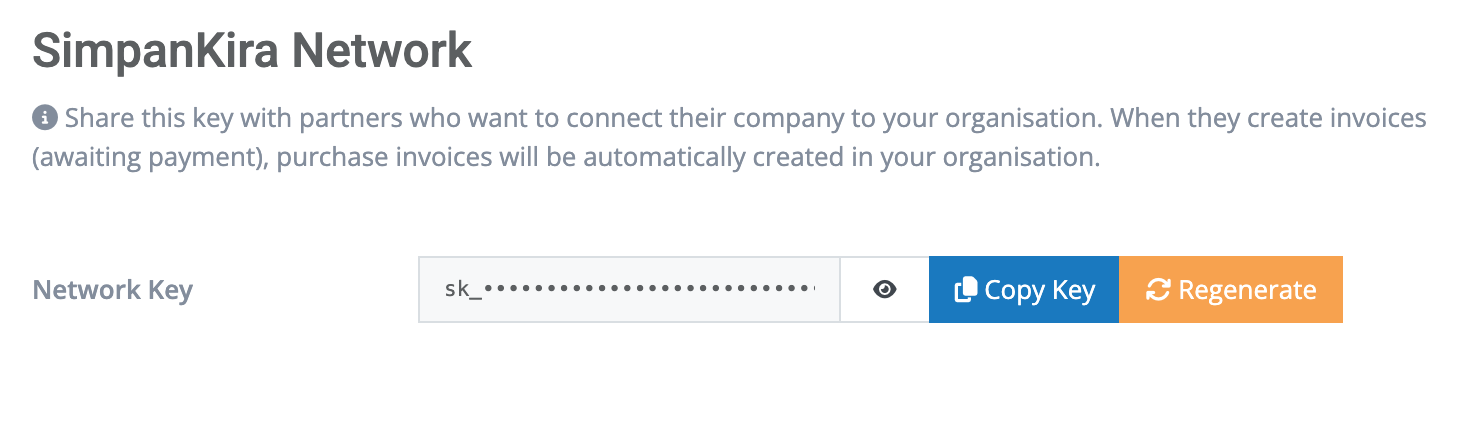
You can generate your organisation Network Key by going to the Organisation Setting. Just scroll dow to see the section SimpanKira Network Key.
Click Generate Key if you have not done it previously. You can also regenerate the key.
How to use this Network Key?
If you know your customers are also using SimpanKira Cloud Accounting, you can request the key from them.
Then you can save their Network Key in the Contact section at the bottom of the page.
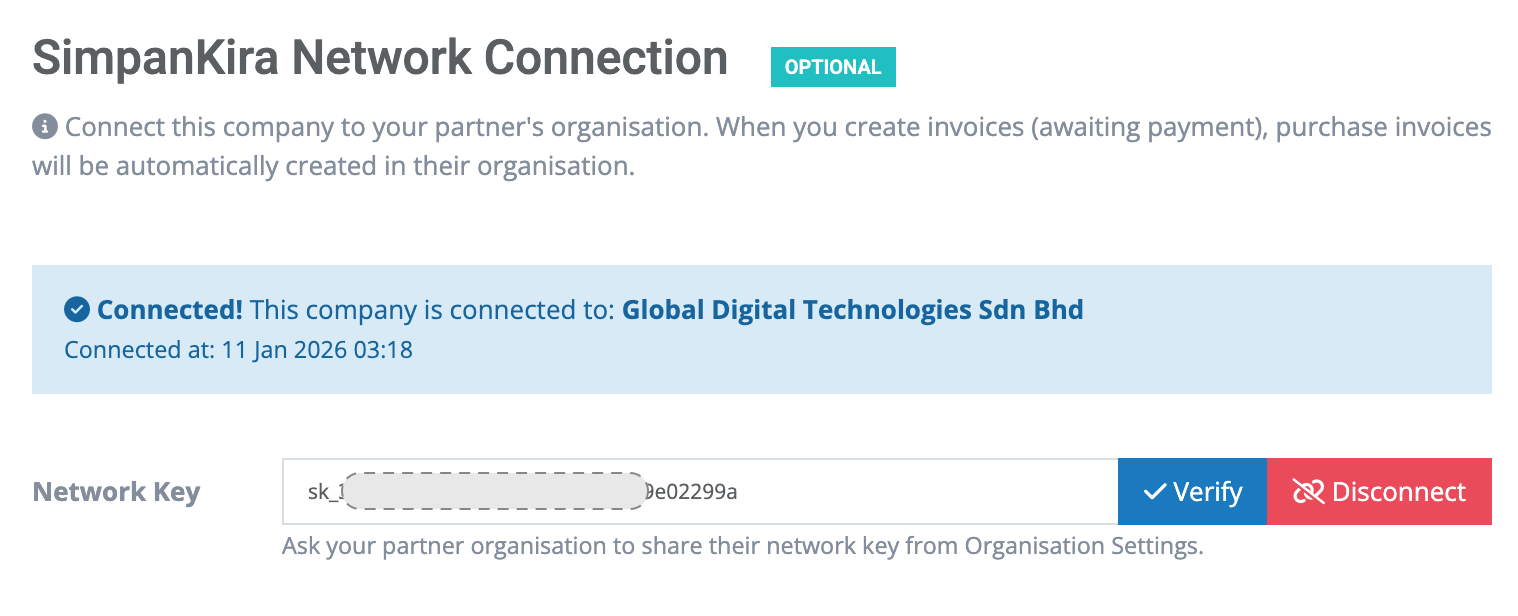
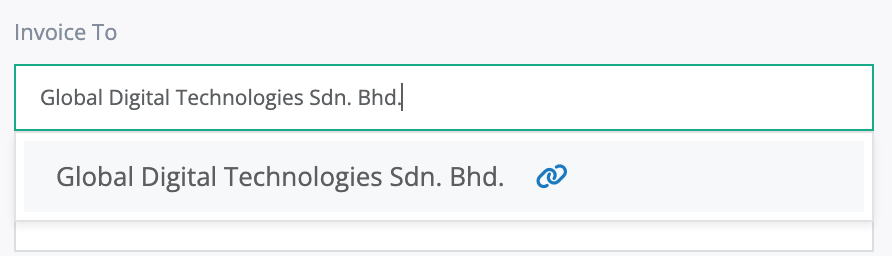
Once you save their Network Key, it will be displayed with blue link icon in Contact area in Sales Invoice.