How to Update My Subscription?
- Click on your profile
- Click on Upgrade

- Choose any package that interests you by selecting the checkbox on the package..
- Scroll down further and you will see a button that says Update Subscription. Click that button.
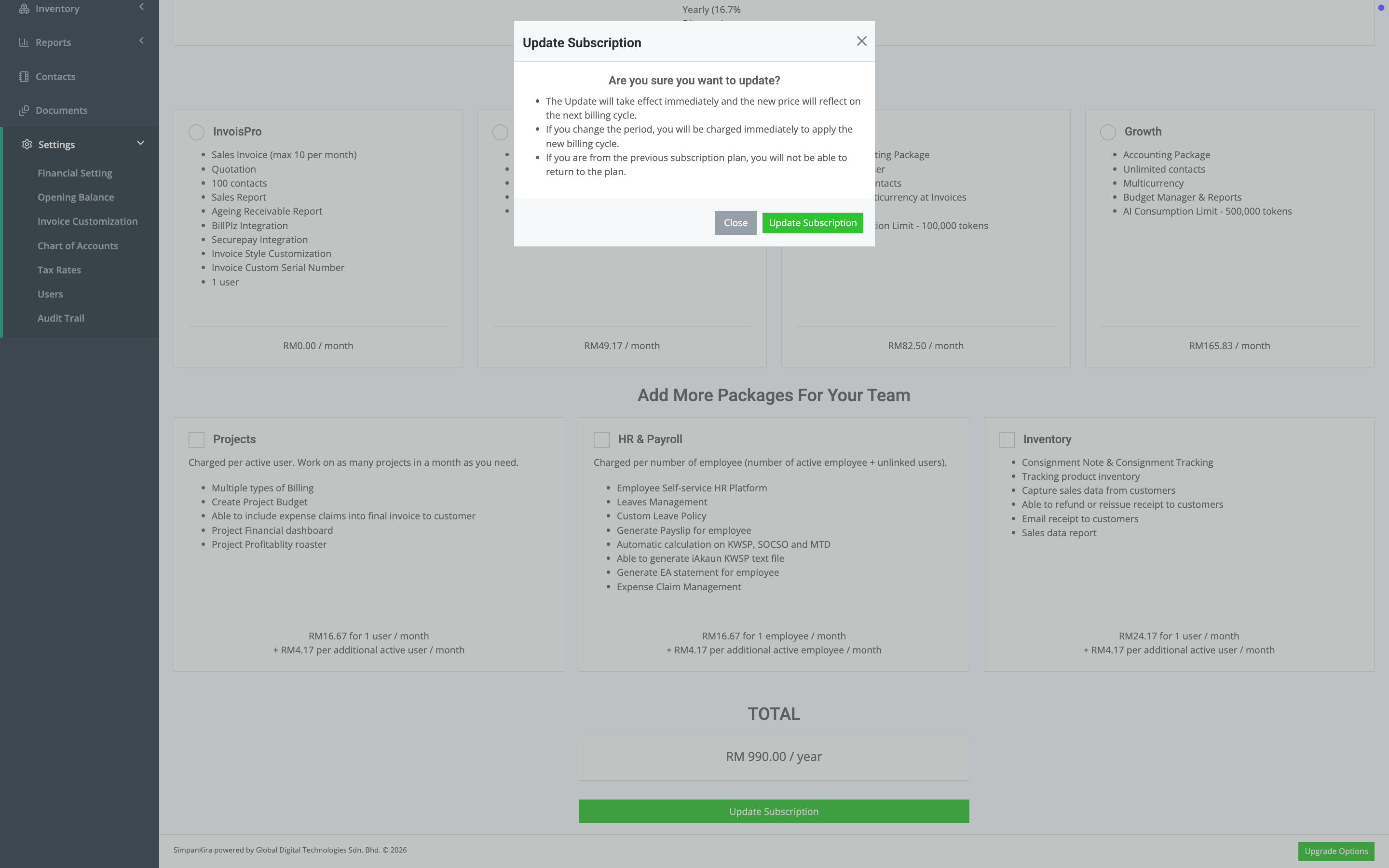
- A pop up modal will appear. Read it thoroughly. If you agree, then click on Update Subscription.
- The system will automatically update your subscription and charge to your payment card.